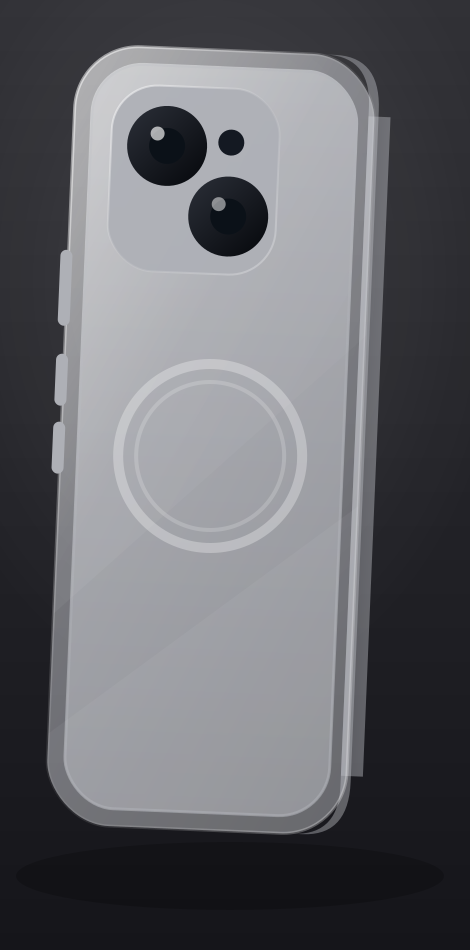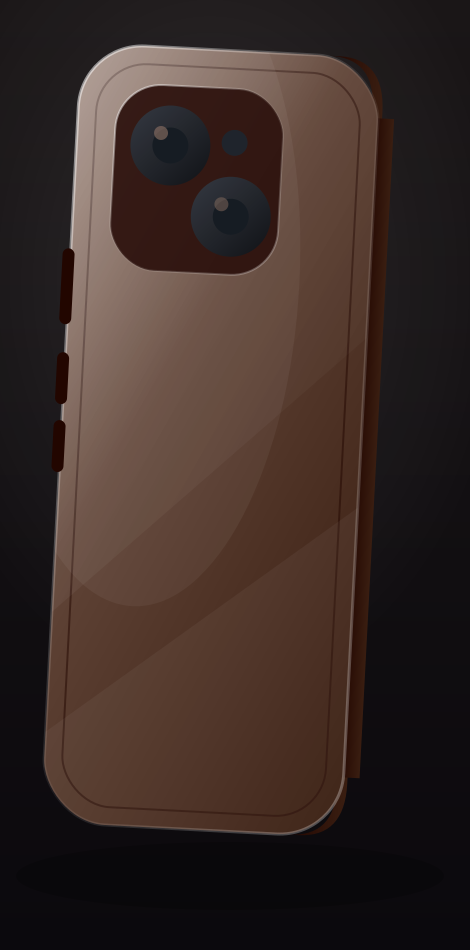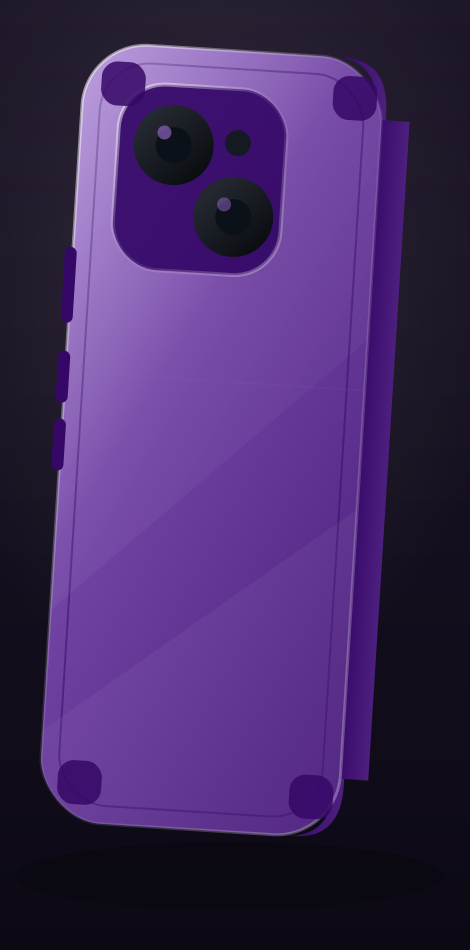

Smart NFC E Ink Screen DIY Display Phone Case
Smart NFC E Ink Screen DIY Display Phone Case — Enter The E-Ink Cover A Revolutionary Accessory That Redefines The Standards Of Smartphone Personalization. With Its Advanced E-Ink Display Technology, It Offers A New Avenue To Ma
Enter The E-Ink Cover A Revolutionary Accessory That Redefines The Standards Of Smartphone Personalization. With Its Advanced E-Ink Display Technology, It Offers A New Avenue To Make Your iPhone Distinctively Yours, Ensuring That It Stands Out As A Mirror Of Your Unique Identity. Show Your Style Leave Bland Cases Behind! The E-Ink Case Lets Your Phone Reflect Your Individuality. From Celebrities To To-Do Lists, Slogans, Logos, Or Pet Photos, Customize Endlessly. Each Design Transforms Your Case Into A Unique Conversation Piece. NFC Technology The E-Ink Case, An Energy-Saving And Eco-Friendly Phone Case, Uses NFC To Wirelessly Transmit Data For Screen Projection. No Batteries Or Cables Needed, Enabling A Customizable Dual-Screen Experience Right On Your Phone Case. Durable And Elegant Design • Hybrid Material: Made Of Premium PC And Silicone, With Glass Screen, Providing A Comfortable Hand Grip And Durability. • Ultra-Slim Profile: Maintains The Original Aesthetics Of The Phone Without Adding Bulk, Offering A Non-Slip And Secure Grip. • 4-Color Ink Screen: The Image Will Be Converted To A Four-Color Ink Screen After Conversion. • Perfect Coverage: All Buttons And Switches Are Made Of Textured Metal, Ensuring Smooth Functionality, Along With Convenient Access To Ports And Speakers. Application Installation And Login Steps: • Search "AI Phone Case" In The App Store Or Scan The QR Code To Download. • After Successful Installation, Enable NFC In Your Phone Settings. • Sign In Using Apple ID, Google Account, WeChat, Email, Etc. • Follow The Interactive Prompts In The App For Further Instructions. Use AI To Create And Update Your Phone Case: • Choose "AI Creation", Enter The Image Description Through Voice Or Text, And Click "Send". • Click The AI Image, Then Press "Refresh Screen". • Wait Briefly For The Image To Upload To The Phone Case.
| Brand | Trust |
| Phone Model | iPhone 16 Pro Max, iPhone 15 Pro Max, iPhone 14 Pro Max, iPhone 13 Pro Max |
| Color | Desert Titanium, Natural Titanium, Black, Pink, White |
0 reviews
You may also like